A LITTLE HELP
Good to know.
Can I order copies of the same photo?
Of course. When you’re creating your magnets, add a photo and choose “Duplicate” beneath its preview. This adds another magnet using the same photo, and you can adjust each copy’s crop and colours separately.
Will my photos be cropped?
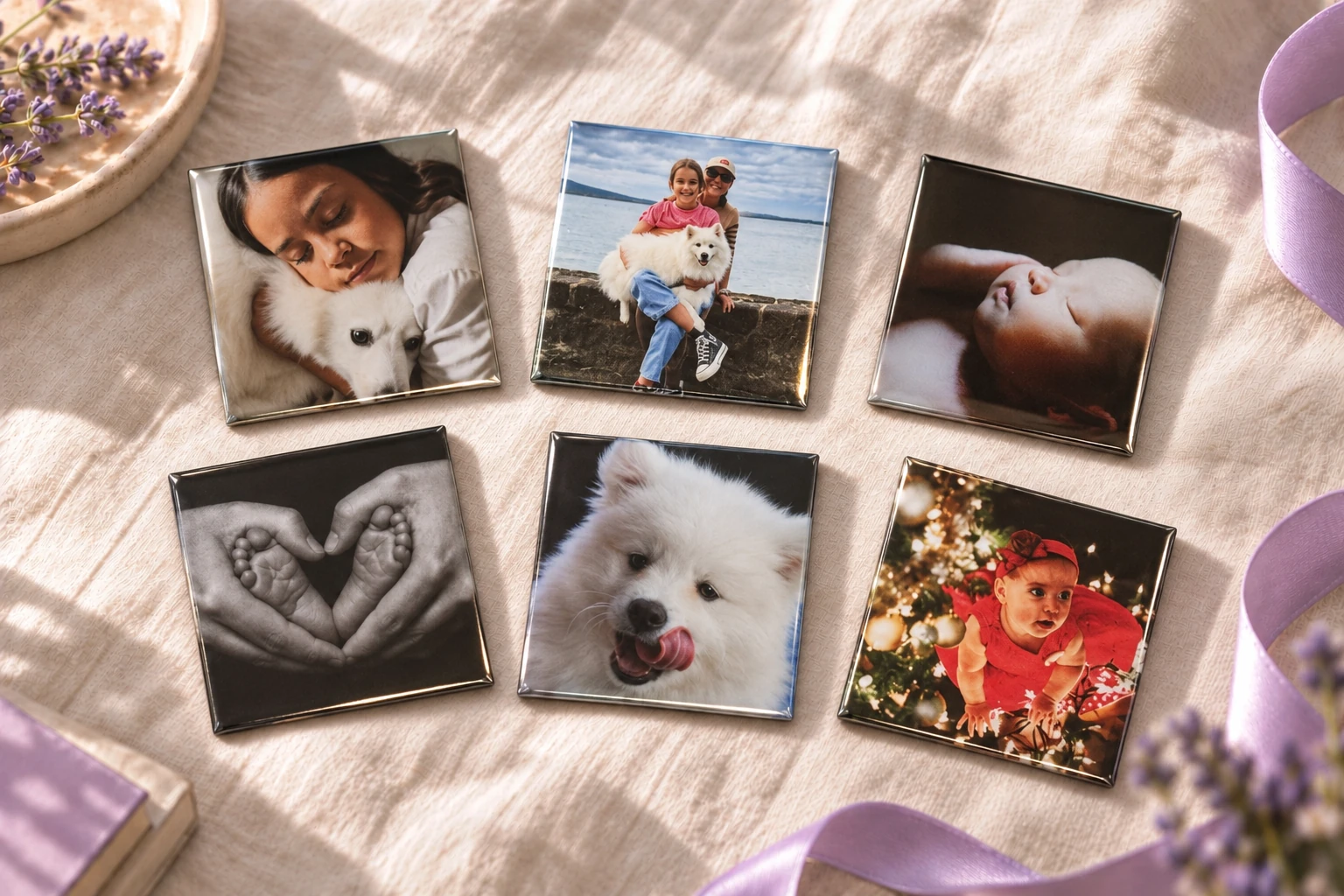
Our magnets are square, so a rectangular photo may need a little cropping at the edges. When you’re creating your magnets, choose “Edit” below your photo to move it around or adjust the zoom. The dotted square shows what will appear on the front of your magnet, so you can check the preview before ordering.
Can I improve a dark photo?
When you’re creating your magnets, you can use the editing tools to brighten a dark photo. Choose “Edit” below the photo, then open “Improve photo”. You can try “Auto-enhance” for suggested improvements, or adjust brightness, contrast and colour intensity yourself. A clear, well-lit original will still give the best print.
Can one photo cover several magnets?
Absolutely. You can spread one photo across a set of 4, 6 or 9 magnets to create a larger picture. When you’re creating your magnets, open “More layouts” and choose “One photo, many magnets”, then pick your set size and add your photo. The preview shows how the picture is divided between the magnets.
How much is delivery?
$6.90 flat-rate delivery within New Zealand; free on orders of NZ$100.00 or more after promo discounts. You’ll see the delivery cost in your bag before you pay. Digital gift cards arrive by email, so there’s no delivery charge for those.
Can I finish my order later?
Yes, you can take a break and come back later. Your progress is saved as you go and can be reopened on the same device and browser, provided you haven’t cleared its cookies or ended your photo session. Unfinished designs and photos are kept for a limited time, as explained in our privacy policy.
How do magnet links work?
Add a song, video, voice message or website to a photo magnet, ready to open with a phone tap. When you’re creating your magnets, choose “Add link” on the photo you want and paste a shareable link. We program, test and fit a tiny NFC chip inside that magnet for an extra NZ$5. When it arrives, unlock an NFC-compatible phone, hold the back close to the magnet and tap the notification. Your phone opens the link directly using an internet connection.